Plugins › WP Translate

WP Translate: translate your WordPress by clicking on the text

AI visual translation editor. Click on any text on your website, translate it with Gemini, DeepL, Google or Yandex, and publish in each language with SEO-optimized URLs. One-time payment, lifetime license.

WP-Translate visual editor translating a live WordPress website to German
Translation · Multilingual
The plugin

What is WP Translate

WP Translate converts your WordPress into a multilingual website without .po files, without duplicating pages and without touching code. One click scans all site strings —content, titles, menus, widgets, SEO meta, ACF fields and complete Elementor designs— and AI translates them in batches of up to 100 in each call.

You translate by viewing your real website: you click on any text, a side panel opens and you save with Ctrl+S (yellow = pending, green = translated). Each language gets its own URL (/es/ /fr/ /de/) with translatable slugs, multilingual sitemap and automatic hreflang, so Google indexes real HTML per language.

I developed it because alternatives charge per word or require eternal subscriptions. WP Translate is a one-time payment with a lifetime license: 49 € for one site (now with −25 % launch discount), and there is also a free version to try it.

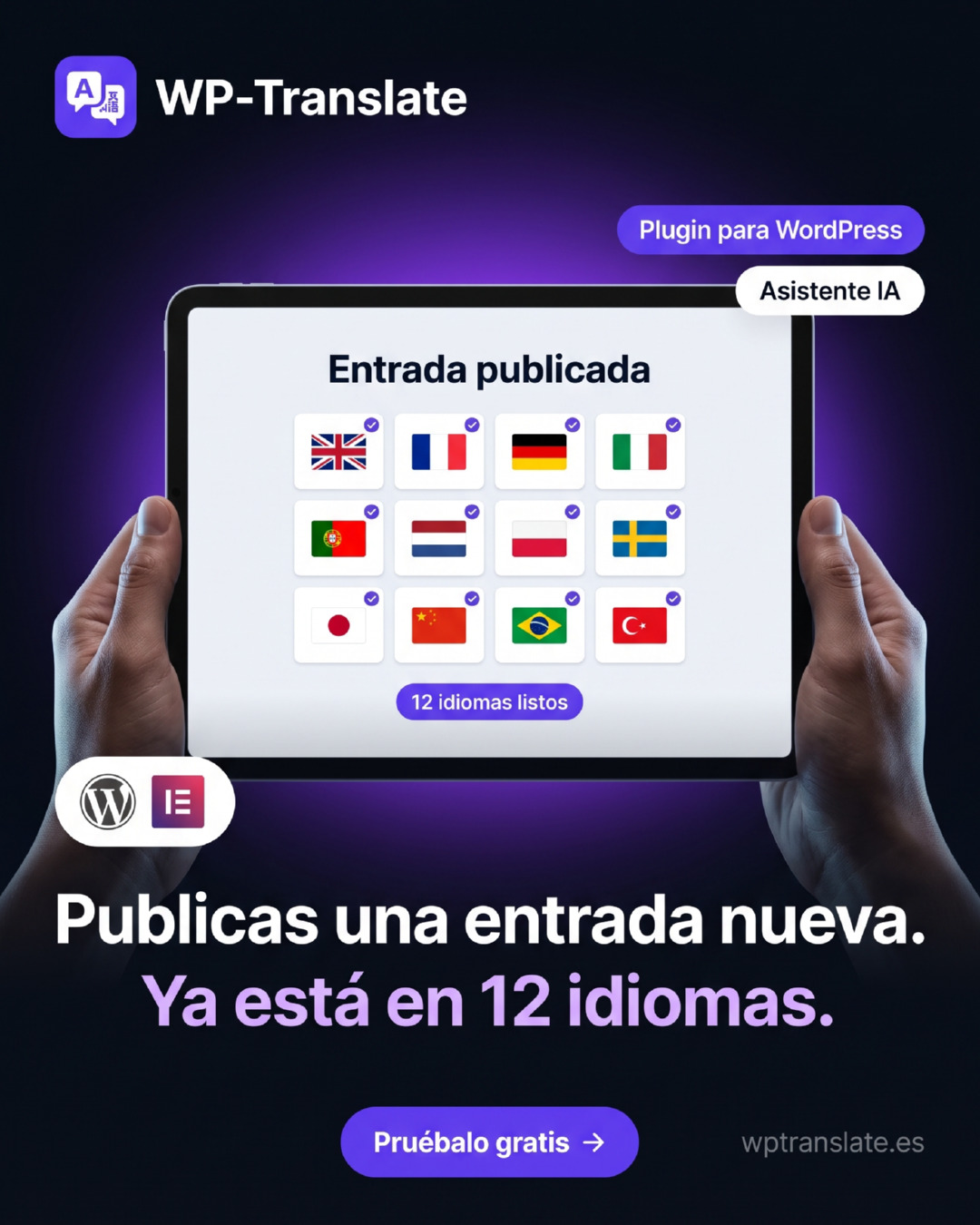
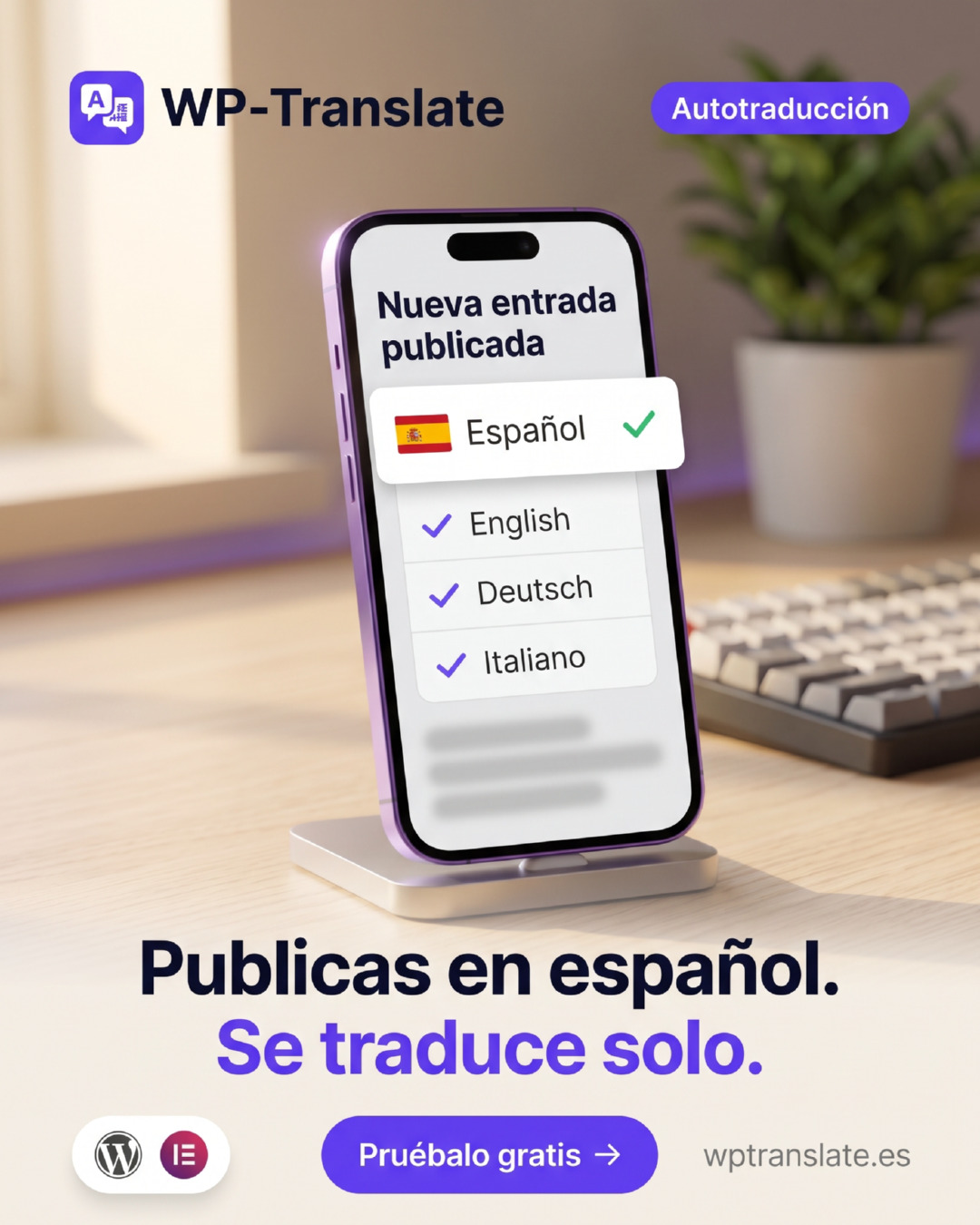
A WordPress post automatically published in 12 languages with WP-Translate
What it does

Main features

Frontend visual editor

Translate by viewing your real website: click on any text, side panel and save with Ctrl+S.

Batch AI translation

Up to 100 strings per call with Gemini, DeepL, Google or Yandex. You use your own keys.

URLs per language with SEO

Own path per language, translatable slugs, multilingual sitemap and automatic hreflang.

Automatic string detection

Full page scan: content, menus, widgets, ACF, and Elementor's internal JSON.

Flexible switcher

Widget, shortcode

or Elementor widget: dropdown, list or flags.

One-time payment, no fees

Lifetime license. No word limit or annual renewals.

See it in action

Translate by clicking on the text

The visual editor loads your real website. You click on any string, the side panel opens with the original and its translation, and you save with Ctrl+S. Yellow = pending, green = translated.

tusitio.com/es/?wptm_editor=1
Welcome to our studio
We design digital experiences that connect with your customers.
View our services
➤
Translation · ES Ctrl+S

We design digital experiences that connect with your customers.

We design digital experiences that connect with your customers.

Save translation
Batch auto-translation

One click translates everything pending

From the strings panel, "Auto-translate" processes up to 100 strings per call with the AI you choose. Entire sites are translated in minutes, not weeks.

Strings · French✦ Auto-translating with Gemini
Batch of 6 strings · up to 100 per call
  • Welcome to our studio
  • We craft digital experiences
  • View our services
  • Get a free quote today
  • Trusted by 200+ brands
  • Contact our team
Everything under control

The status of each language, at a glance

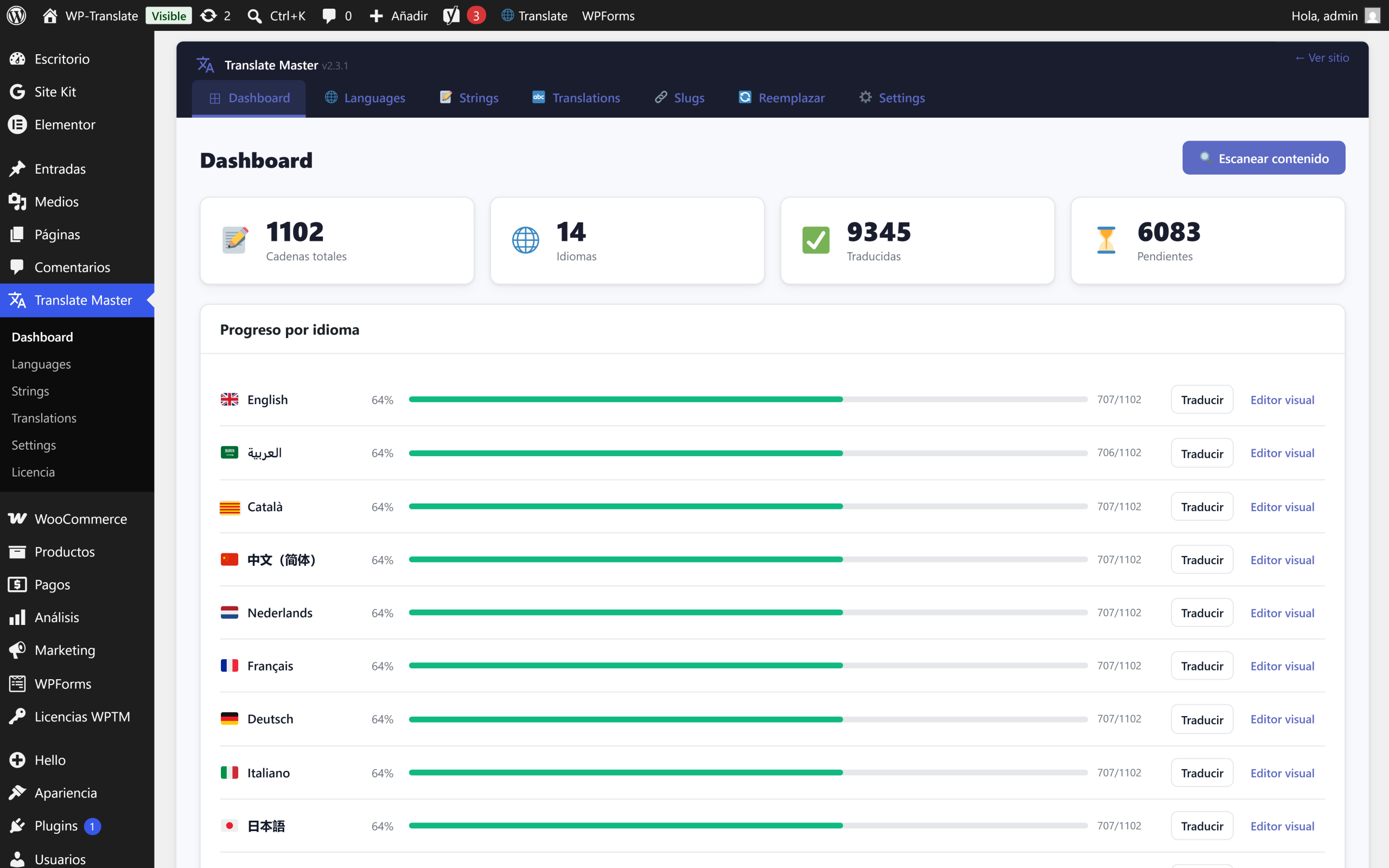
The panel shows you the progress of each language and leaves missing strings one click away from completion. Unlimited languages, each with its own URL.

Translate Master · Dashboard4 active languages
🇪🇸 Spanish
100%
🇫🇷 French
86%
🇩🇪 Deutsch
61%
🇮🇹 Italian
24%
Auto-translate pending
How it looks

The plugin inside

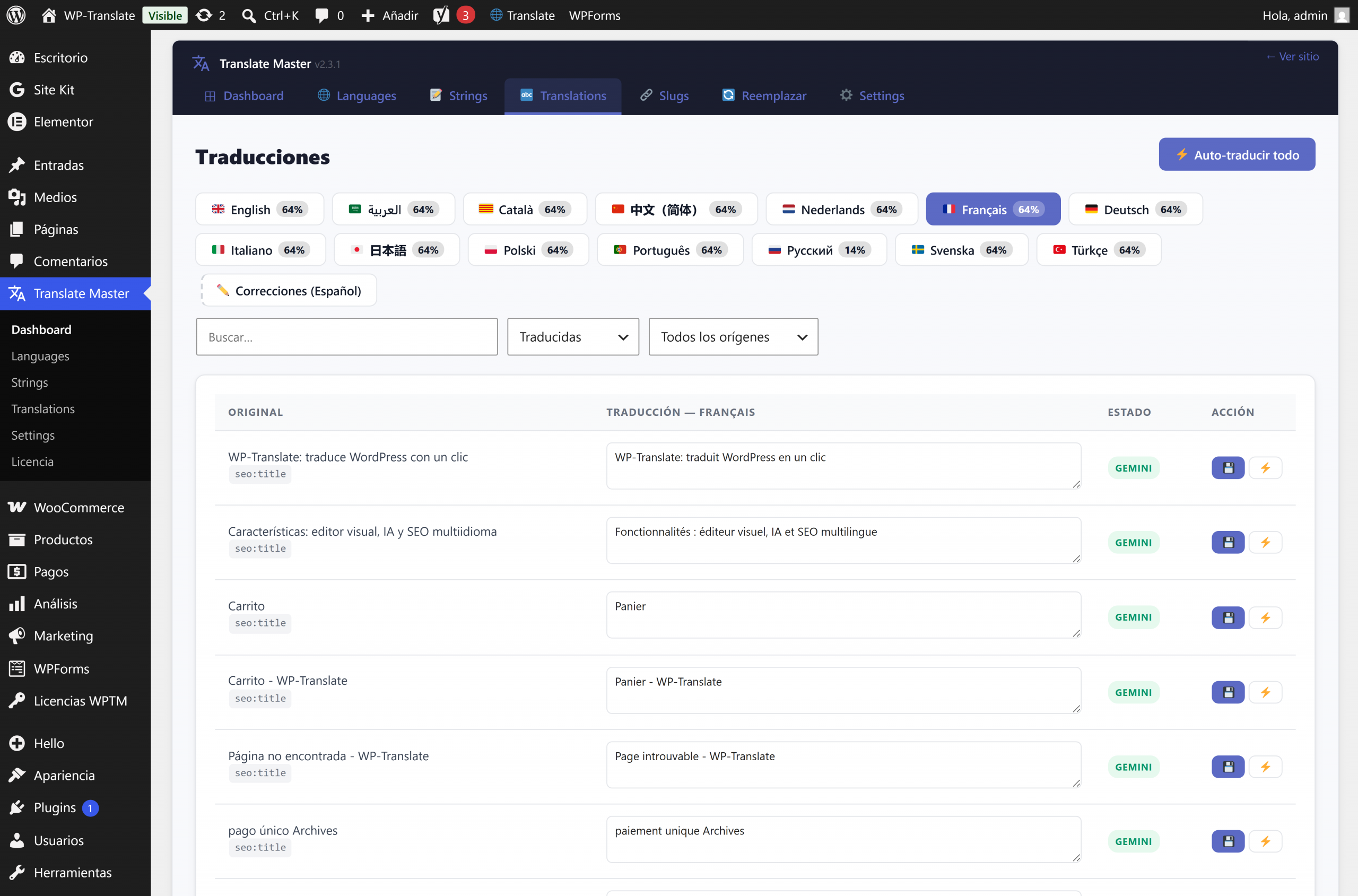
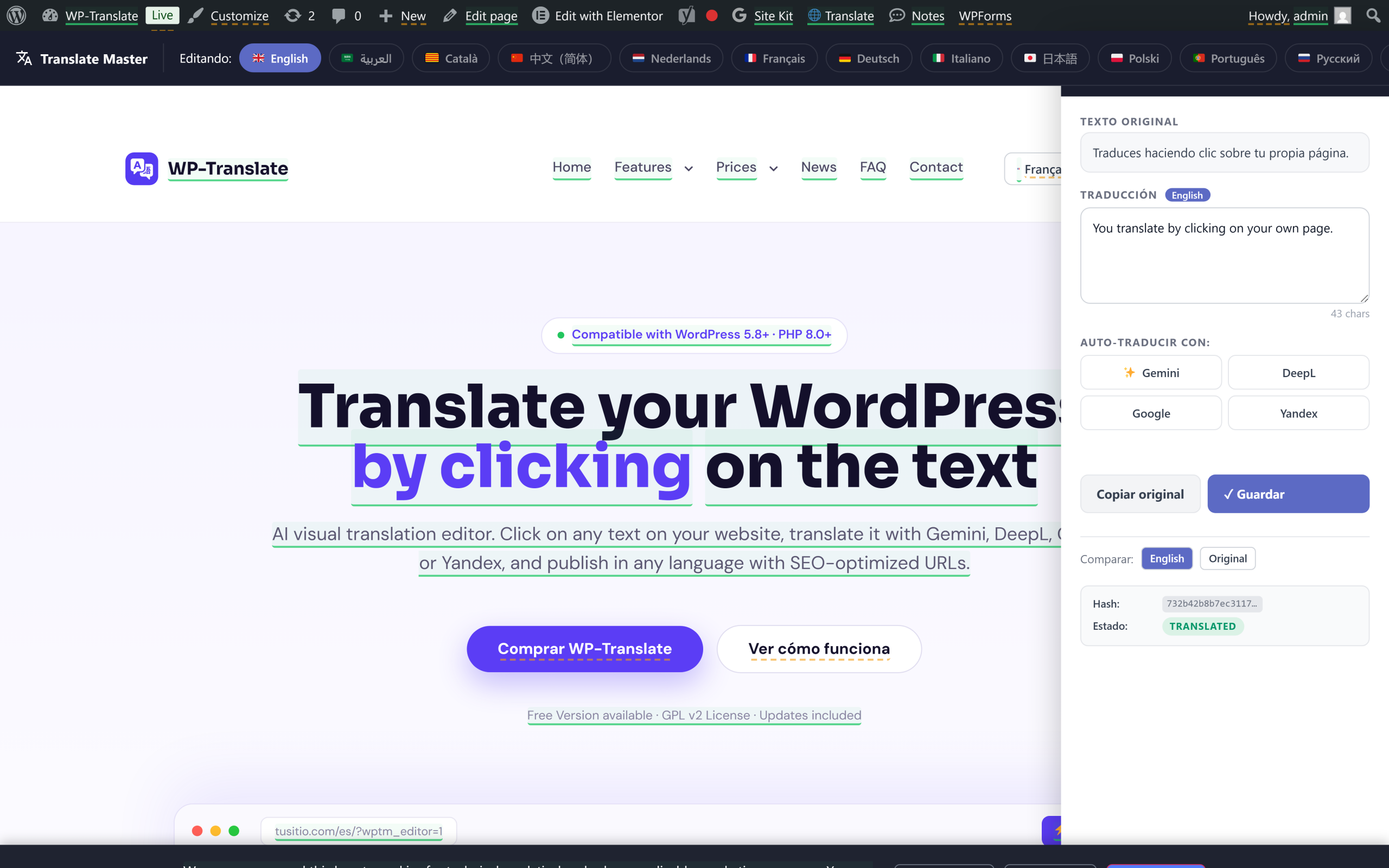
These are real screenshots of the WP Translate panel running on a production website. Click any to view it full size.

Control panel: total strings, active languages and progress of each one.

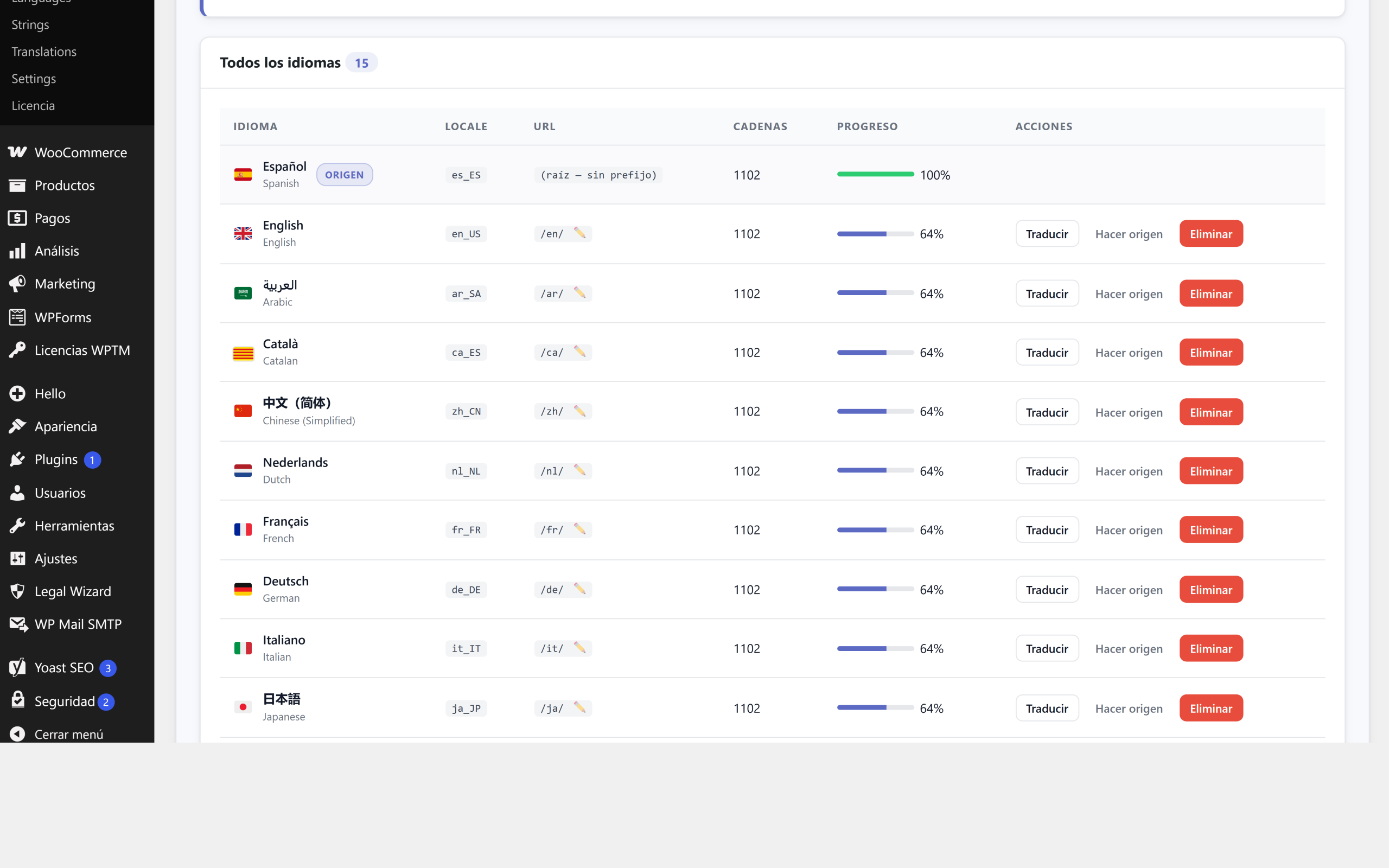
Languages: locale, own URL and translated percentage per language.

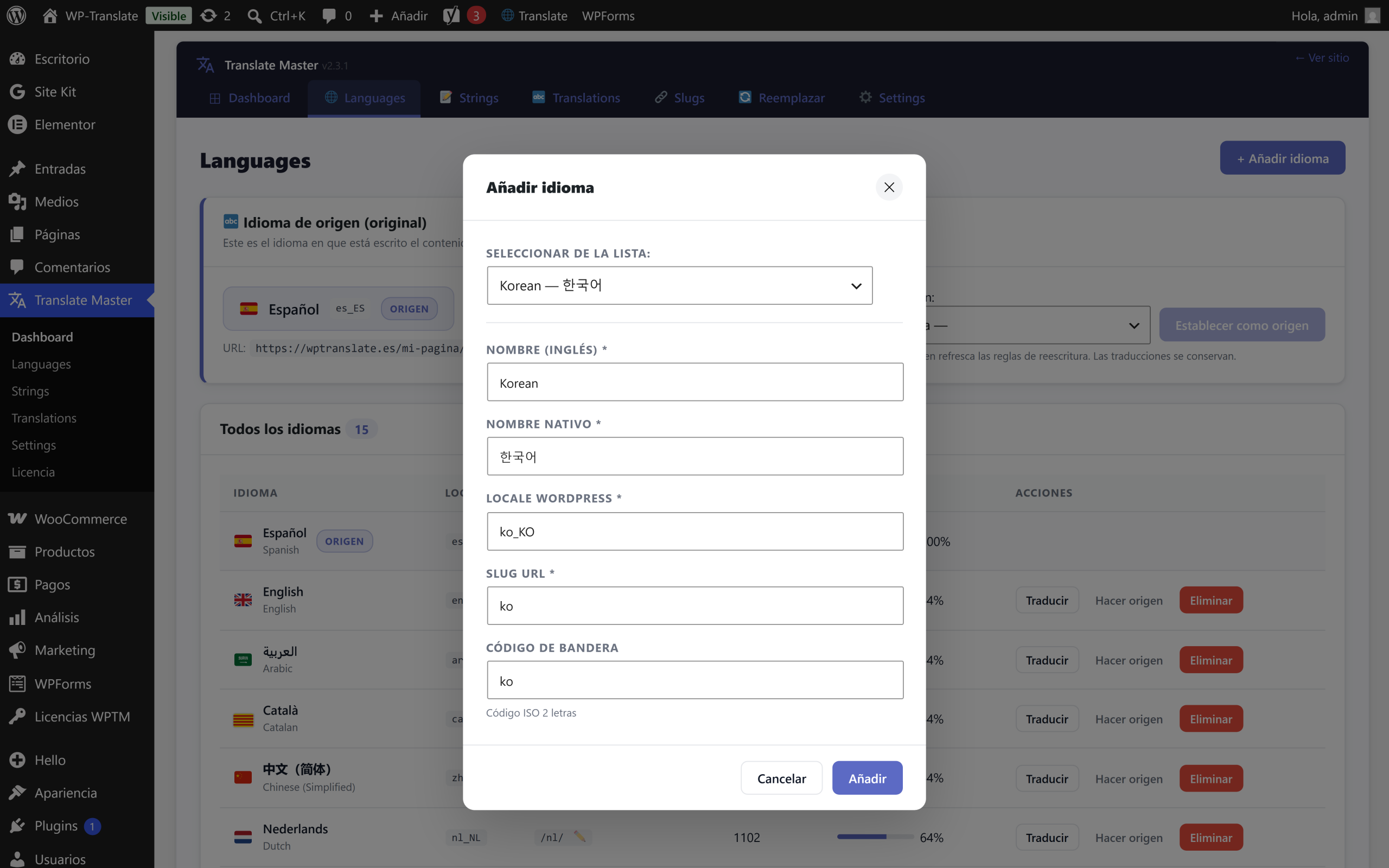
Add language: native name, WordPress locale and URL slug.

AI Translations: original and translation side by side, and auto-translate all.

Visual editor: you translate on your live website, click on the text and side panel.

Who it serves

Who it's for

In action

How it works

1

Add your languages

Unlimited languages from the panel. Each gets its automatic URL: /es/ /fr/ /de/.

2

Scan your site

One click detects all strings: content, titles, menus, widgets, SEO meta, ACF, and Elementor.

3

Translate with AI

Click "Auto-translate" and the AI translates the entire page in batches. Adjust what you want by clicking.

WP-Translate auto-publishing website content in multiple languages
Getting started

How it's installed

Four steps, only once. No need to touch code or configure anything strange.

1

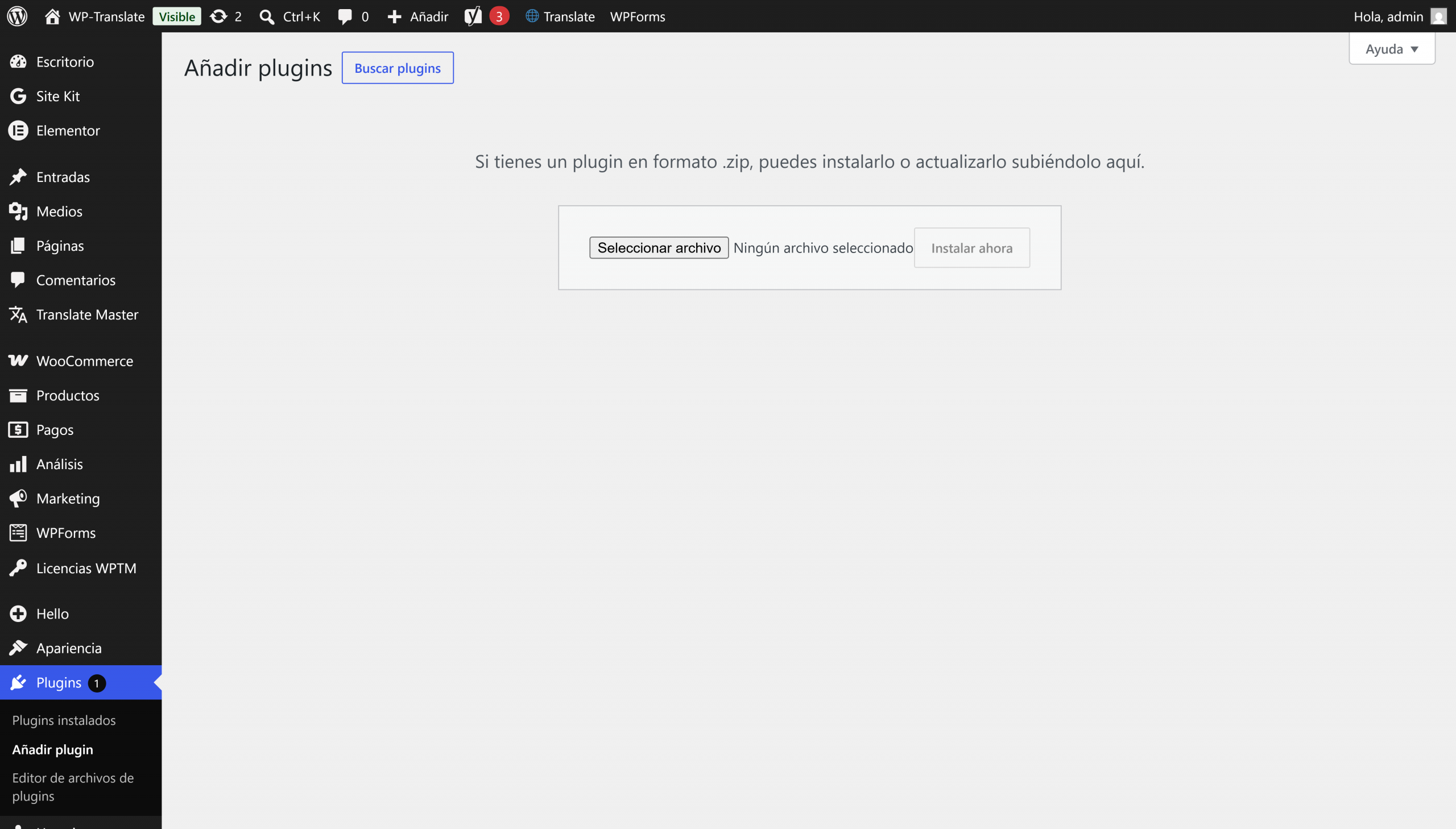
Upload the plugin

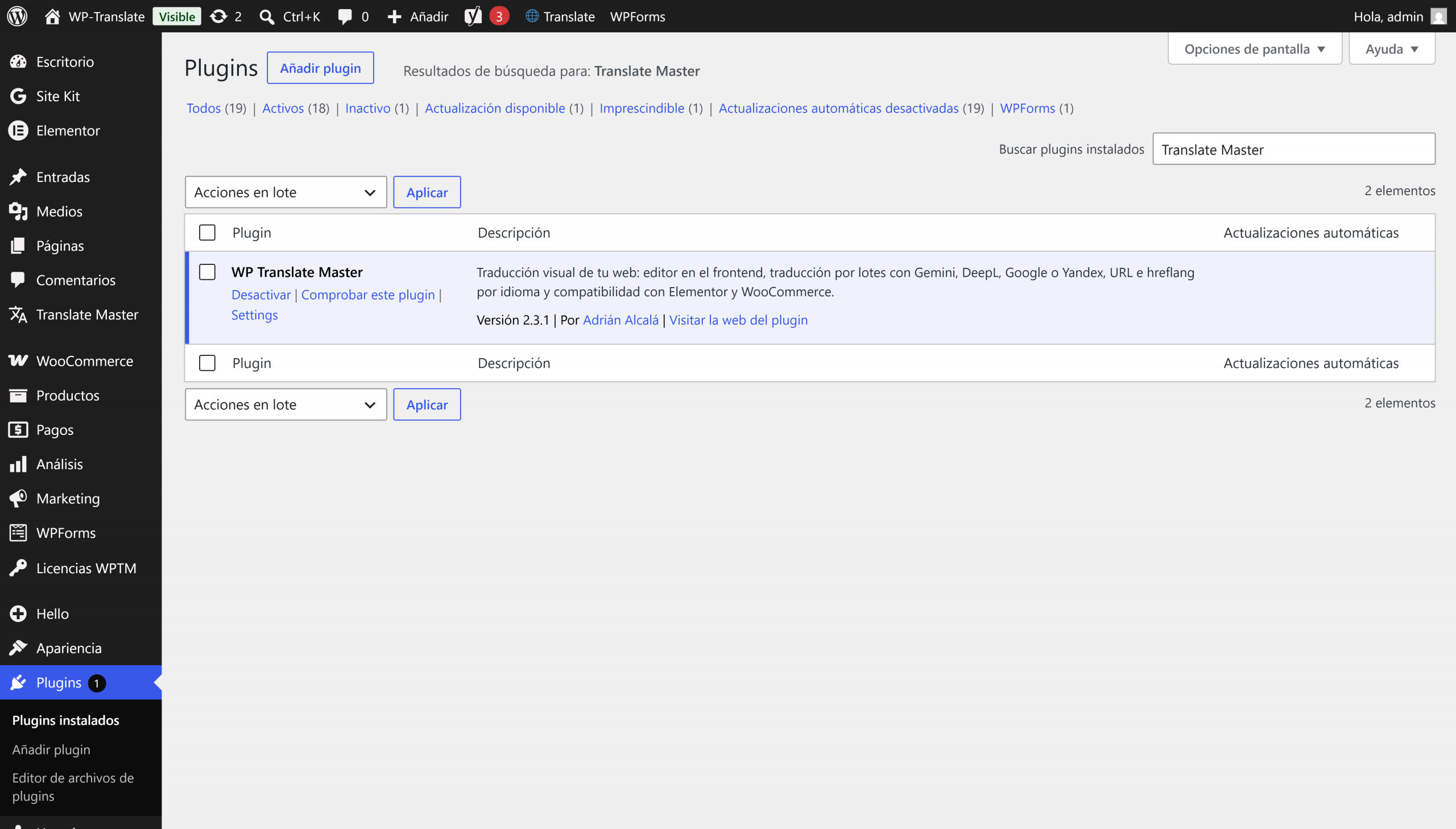
Plugins › Add new › Upload, and choose the .zip file.

2

Activate it

It appears in the plugin list; you activate it with a click.

3

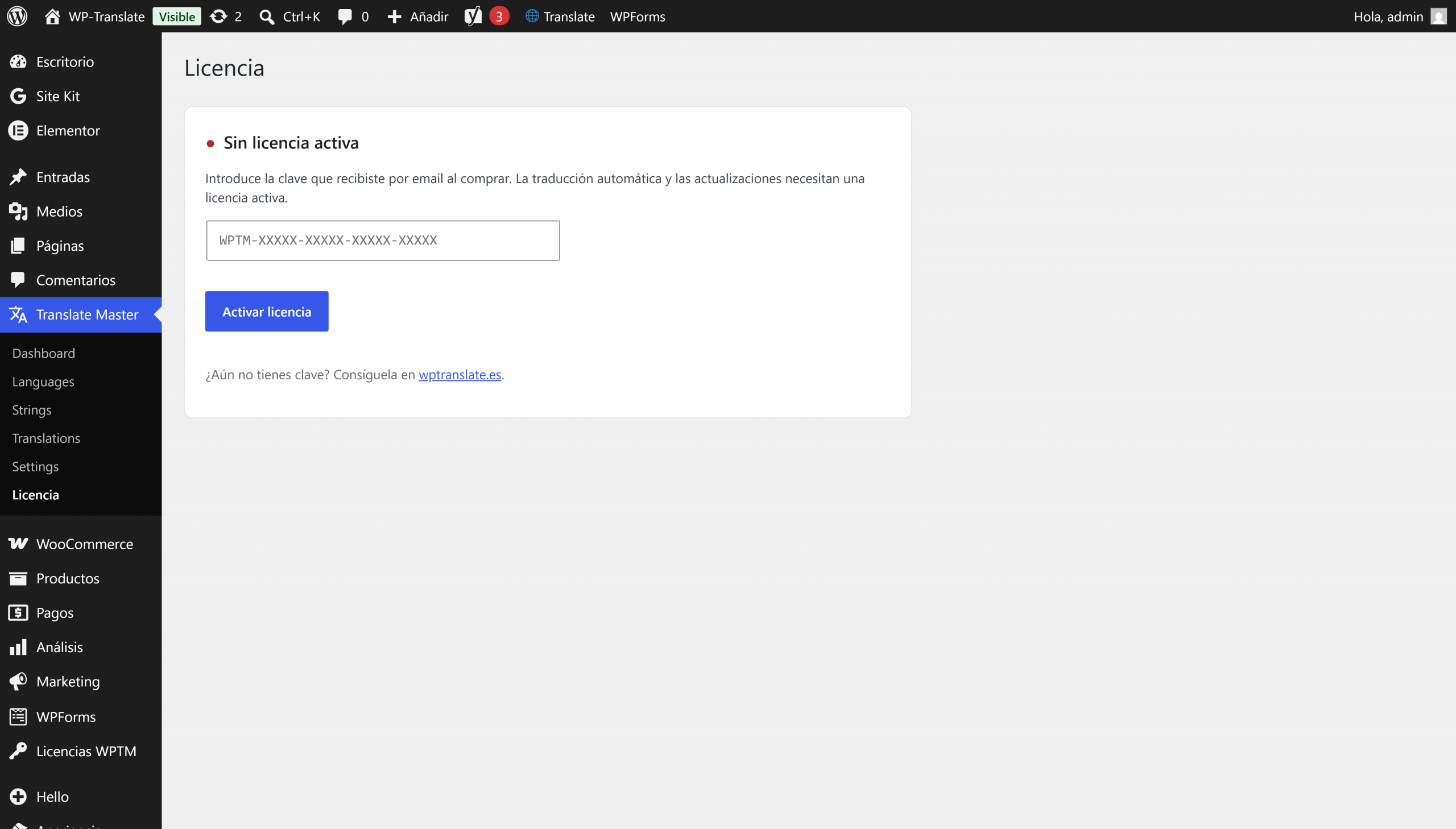
Paste your license

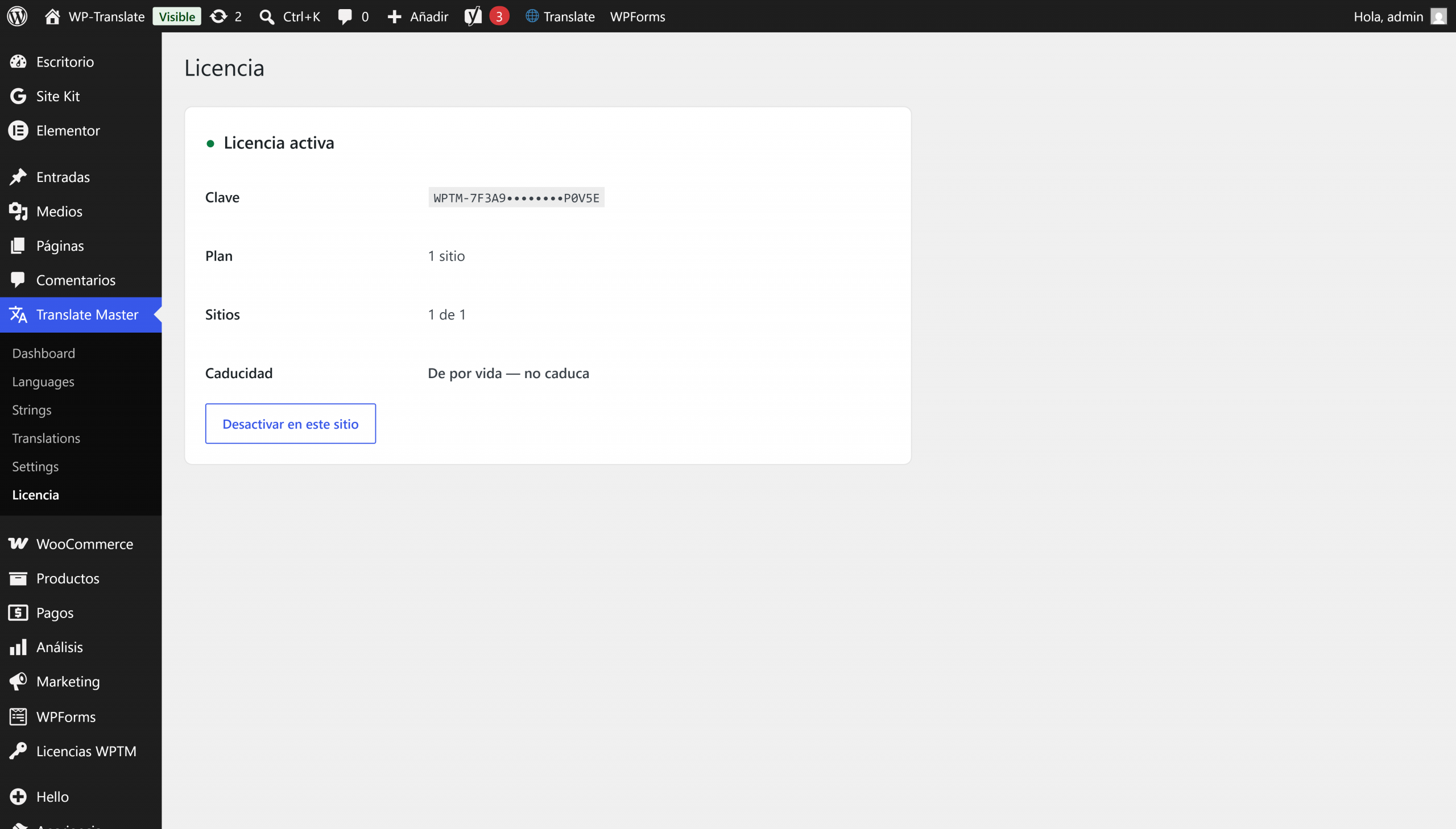
On the license screen, you paste the key and click activate.

4

Ready

The license remains active and the plugin works without limits.

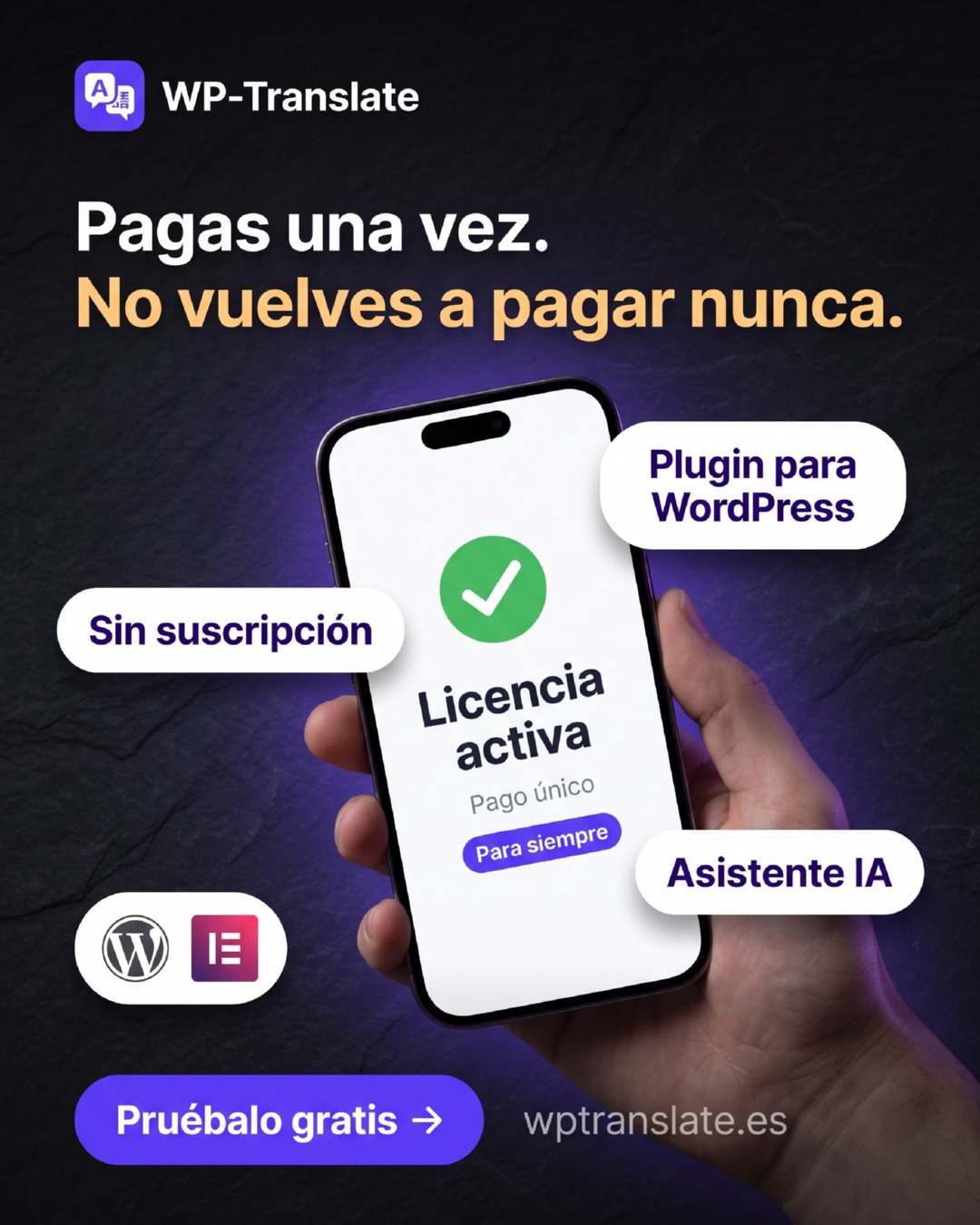
WP-Translate License: one-time payment, no subscription, forever

Get it on its official page

A multilingual WordPress with visual editor and AI, in a single plugin and a one-time payment. When buying from here, apply the code WEB15 and you get a 15% discount.

49 € one-time payment
Launch offer −25 % · 36,75 € · free version available
Code WEB15 · –15%

Doubts before buying?

Write to me and I'll confirm if it fits your website. Adrián responds directly.