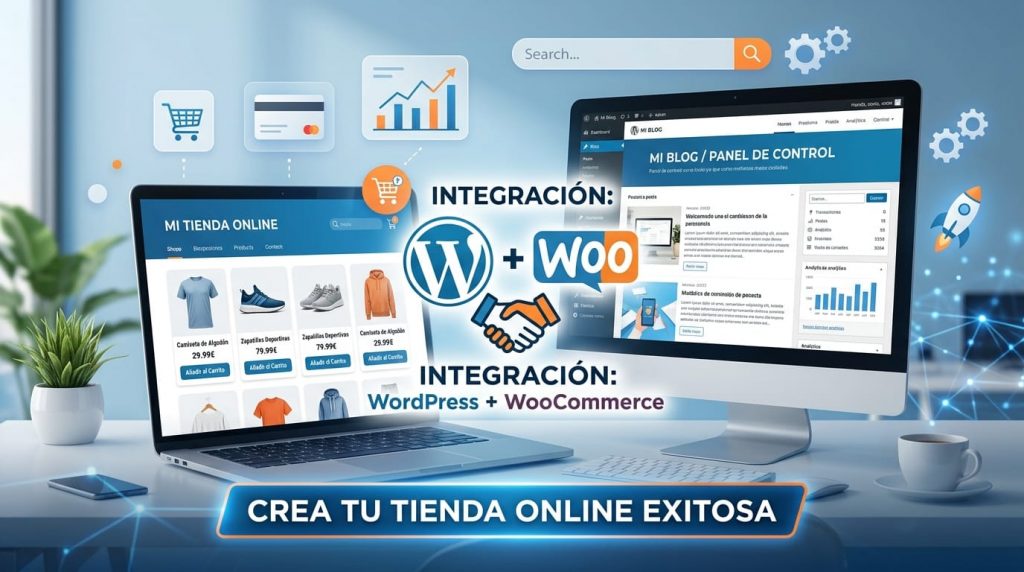
In the fast-paced digital world, transforming an idea into a thriving online business requires robust tools and strategic knowledge. WordPress, as the world's most popular content management system (CMS), and WooCommerce, its powerful e-commerce extension, form an unbeatable duo. But how do you navigate their versatility to build, manage, and optimize a digital presence that truly converts?
At adrianalcala.es, we understand that effective management of your digital platform is as crucial as its design. This article will serve as your essential guide, exploring key WooCommerce tutorials, topics of interest in the WordPress ecosystem, and practical tips for your site to not only function but thrive, maximizing every customer interaction.
1. WordPress: Beyond a Simple Blog (Although it's Excellent for It)
WordPress is much more than a blogging platform; it's a flexible CMS capable of powering any type of website, from portfolios to complex enterprise platforms. While the art of creating a blog has already been covered, there are rudimentary tutorials, but essential, which ensure the solidity of your digital foundation:
- Installation and Initial Configuration: Although often pre-installed, understanding the basic steps of a clean installation and initial configuration (language, timezone, site title) is fundamental to laying the right foundation.
- Managing Pages and Posts: Dominar la diferencia y el uso estratégico de las páginas (contenido estático como “Sobre nosotros”, “Servicios”) y las entradas (contenido dinámico de blog) es clave para una arquitectura de contenido efectiva.
- Creating Effective Navigation Menus: An intuitive menu is vital for user experience. Learn to structure and customize menus to guide your visitors through your site effortlessly.
- Installation and Management of Essential Plugins: From security (e.g., Wordfence) and SEO (e.g., Yoast SEO or Rank Math) to cache optimization (e.g., WP Super Cache or LiteSpeed Cache), plugins expand WordPress functionality. Knowing how to install, configure, and keep them updated is essential.
2. WooCommerce: Turning Your WordPress into a Successful Online Store
WooCommerce transforms your WordPress site into an e-commerce platform complete and scalable. To master this tool, pay attention to these topics and tutorials:
- Initial Store Setup: Correctly setting up currency, taxes, shipping zones, and methods is the critical first step to operating legally and efficiently.
- Adding and Managing Products: Learn to create different product types (simple, variable, grouped, virtual, downloadable) and optimize their descriptions, images, and prices for maximize its appeal.
- Order and Customer Management: Familiarize yourself with the WooCommerce dashboard to process orders, manage refunds, and maintain an organized record of your customers.
- Product Listing Optimization for Conversions: Beyond basic information, discover how to use reviews, clear calls to action, and attractive image galleries to boost sales.
- Key Plugins and Extensions for WooCommerce: Integrate popular payment gateways (Stripe, PayPal), improve the checkout experience, and explore extensions for advanced functionalities like subscriptions or bookings.
3. Topics of Interest and Optimization in the WordPress Environment
The success of your WordPress platform lies not only in its functionality but also in its presentation and performance:
- Theme Selection: The choice of WordPress theme is crucial. Look for themes that are responsive (adaptable to all devices), speed optimized, and ensure full compatibility with WooCommerce if you have an online store.
- Design Customization: Leverage the WordPress Customizer to adjust colors, typography, and layout without code. For more advanced control, explore page builders (e.g., Elementor, Beaver Builder) that allow you intuitive design.
- WordPress Security: Your site is a valuable asset. Implement essential measures like strong passwords, regular updates, automatic backups, and security plugins to protect yourself against threats.
- Performance and Speed: Un sitio rápido mejora la experiencia del usuario y el SEO. Utilice herramientas de optimización (ej. herramientas de caché, optimización de imágenes), siguiendo una guía de WPO para mejorar la velocidad de WordPress y monitorice su rendimiento con Google PageSpeed Insights.
4. Maximizing Potential: Advanced Tips for Your Digital Platform
To take your digital presence to the next level, consider these strategies:
- Basic SEO for WordPress: Enhance your web design knowledge with on-page optimization using plugins like Yoast SEO or Rank Math. These will help you optimize titles, meta descriptions, and content.
- Web Analytics: Integrate Google Analytics to monitor your site's traffic, understand user behavior, and make data-driven decisions.
- Content Strategies for WordPress and WooCommerce: Develop a content strategy that combines informative blogs, product guides, and tutorials to attract and educate your audience, strengthening your authority and visibility.
Conclusion: Your Digital Success in Expert Hands
Mastering WordPress and WooCommerce is more than a technical skill; it is a vital strategy for any business aspiring to excel in the digital ecosystem. From basic management to advanced optimization, every step is an opportunity to conquer your customers and scale your business.
In adrianalcala.es, we specialize in the construction, management, and optimization of digital platforms with WordPress and WooCommerce. Our team is ready to guide you through challenges and transform them into opportunities, ensuring your online presence is not only functional but a conversion machine.
Ready to unleash the full potential of your digital business? Contact us today and let us build the path to your online success.