
Since QR codes arrived at tables, almost all restaurants have some type of digital menu. But not all of them work the same way: a PDF that you have to zoom in on with two fingers is not the same as a menu designed for mobile, which updates in seconds and which Google can read. This guide compares the options for digital menu for restaurants, helps you choose yours and reviews what can't be missing.
The essentials in 30 seconds
- A PDF is quick to do, but reads poorly on mobile and Google barely takes advantage of it.
- A menu on your website reads well, changes instantly and helps people find you by your dishes.
- The QR is just the door: what's important is where it leads.
- If you want to go a step further, the customer can order from the table and the ticket comes out at the bar and in the kitchen.
In this article
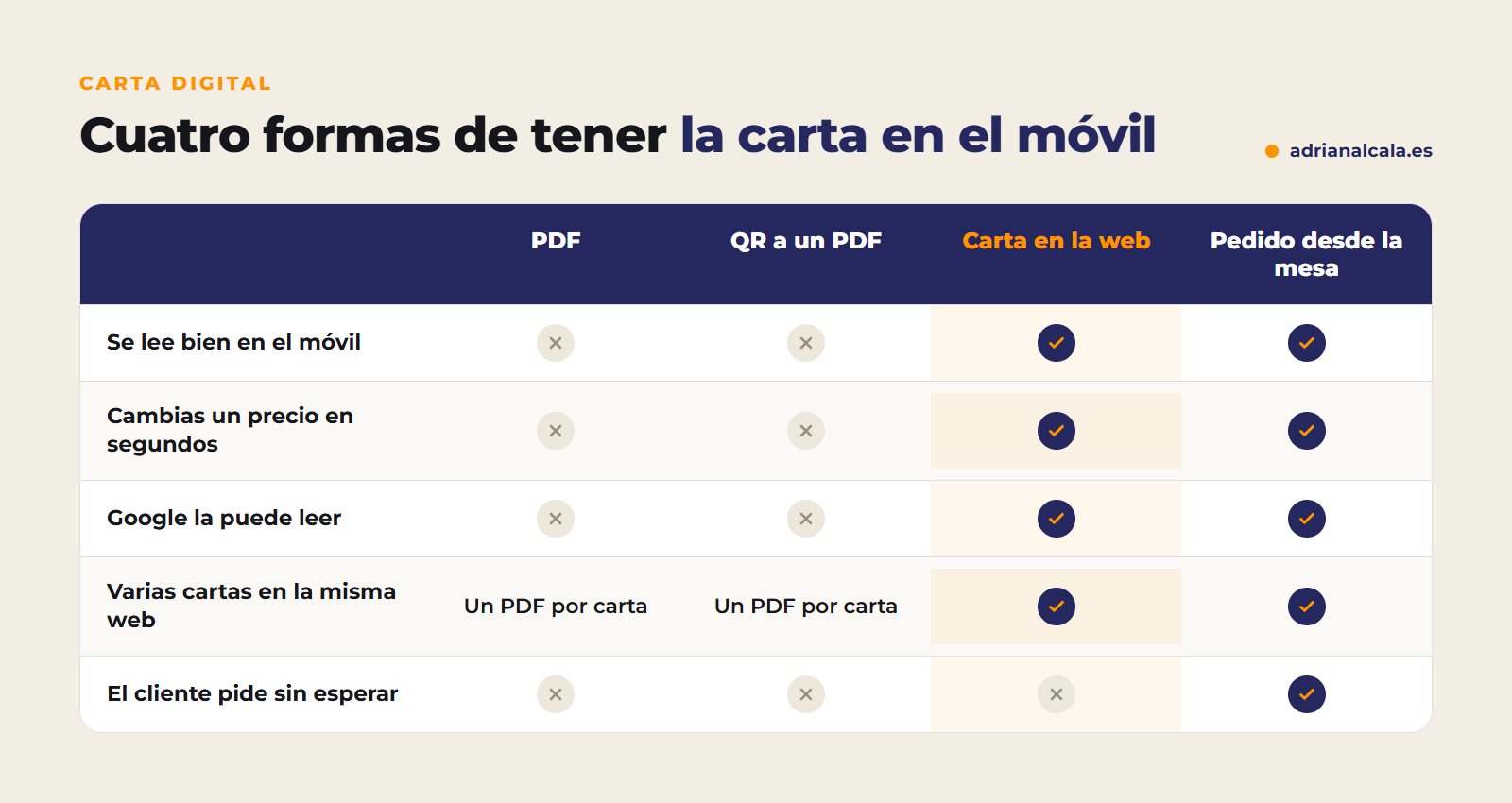
The four ways to have a digital menu
When a restaurant says it has a "digital menu", it can refer to very different things. These are the four most common, from the simplest to the most complete:
Why the menu on the web beats the PDF
| Menu in PDF | Menu on the web | |
|---|---|---|
| On mobile | You have to zoom in and scroll | It reads like any page |
| Change a price | Redo the file and re-upload it | It is changed in seconds from WordPress |
| Reads it worse and doesn't treat it as a page on your website | Reads your dishes and can show you by them | |
| Weight | Heavy files that take time to open | Loads like the rest of the website |
| Languages | One PDF per language | It translates with the rest of the website |
Having your menu as real text has an effect that is often overlooked: someone looking for a specific dish in your area can reach your website. With a PDF, that door is practically closed.
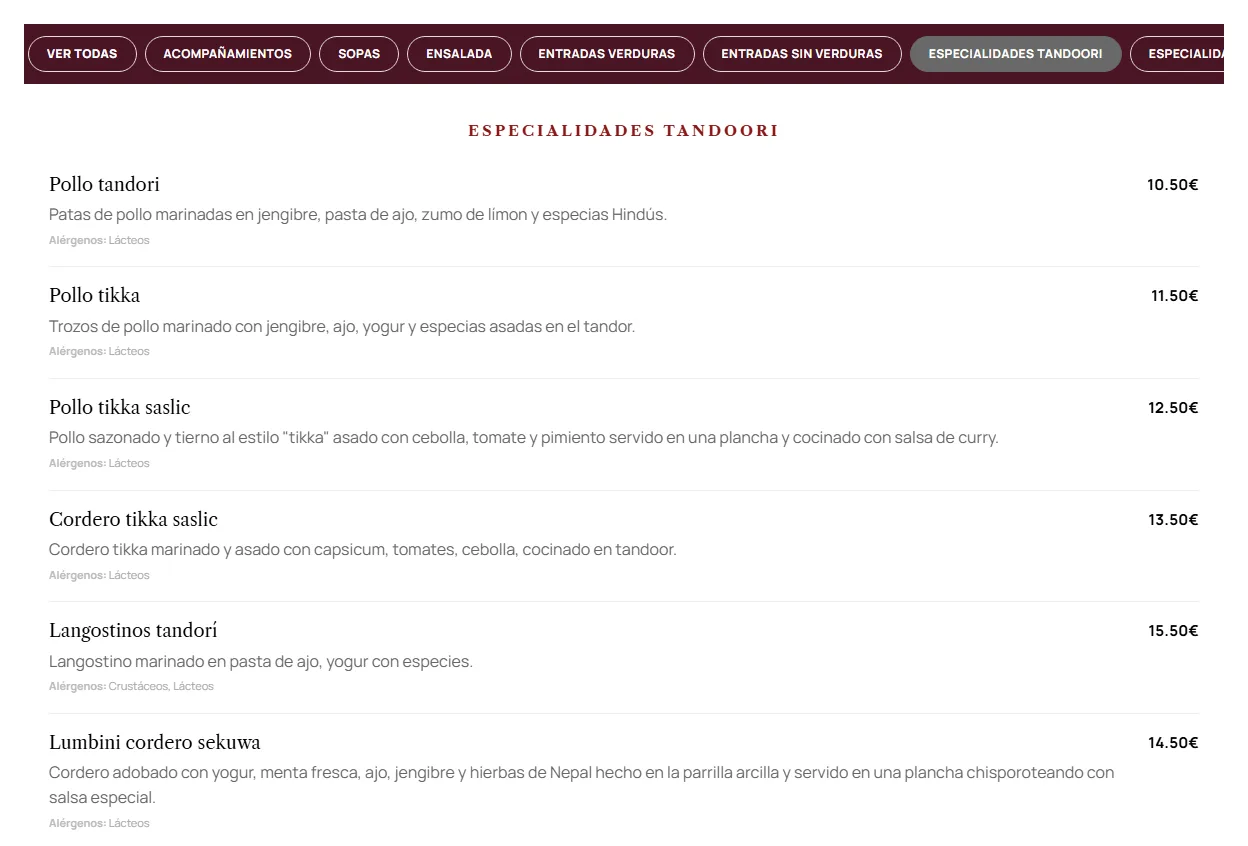
What it should have a good digital menu
The QR is not the menu
A QR is just a link. Before printing the stickers, open the menu yourself from your mobile, with data and on the terrace. If you have to zoom or wait for a file to load, your customers too.
If you receive tourists: the menu in their language
In tourist areas, a menu only in Spanish leaves out a part of your customers before they cross the door. When the menu is part of your website, it is translated with the rest, and each language can appear on Google separately. You have the process explained in how to translate your WordPress website with AI.
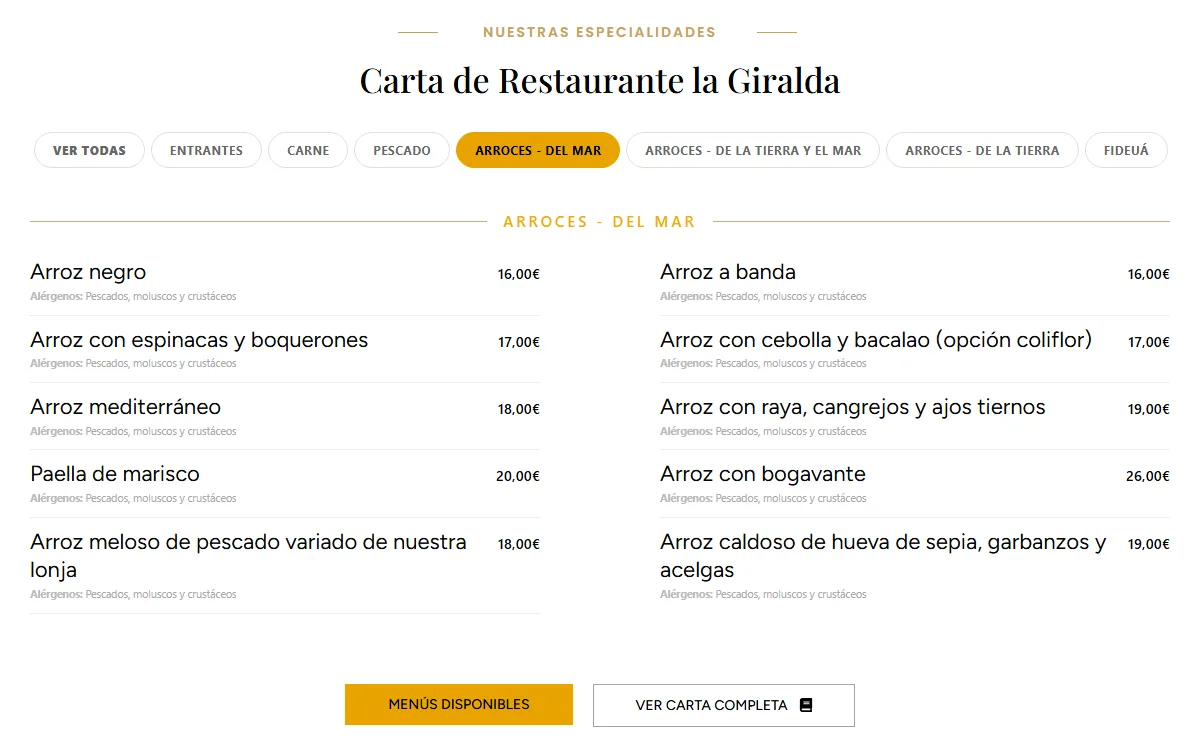
That your menu also be on Google
Many customers decide where to eat without entering your website: they look at your Google listing, the photos and the reviews. That's why it's advisable for the menu to also be visible from there:
- Link the menu in your Google listing. In the business profile you can add the link to the menu: make it point to your menu page, not a PDF.
- Upload photos of your star dishes to the listing and renew them from time to time.
- Keep opening hours and closing days up to date, especially on holidays and during high season.
- Respond to reviews, also to the bad ones: whoever reads the menu usually also reads how you respond.
- Use the same dish names on the menu, in the listing and on your social media: it helps people find you through them.
How it solves it Restaurant Menu Widget
Restaurant Menu Widget is a plugin that displays your restaurant's menu with a native Elementor widget. You edit it from WordPress and changes to dishes and prices are seen instantly, without touching the design:
And if you want the customer to order from the table, RestauranteWeb Tables places a QR on each table with the menu, the order, reviews and local information; the ticket comes out at the bar and in the kitchen, and waiters take orders from their mobile phones. It has a free version.

Adrián Alcalá Websites for restaurants
A restaurant's menu changes constantly: seasonal dishes, prices, a different daily menu every week. The person who cooks it must be able to change it.
Frequently Asked Questions
Is it mandatory to have a paper menu if I have a digital menu?
It's advisable to always have an alternative for those who don't have a mobile phone or don't want to use it, and allergen information must be available to any customer. The digital menu complements, it doesn't have to completely replace.
Can I have the daily menu and the main menu separated?
Yes. The practical thing is to have each menu in its place (daily menu, main menu, wines) and only change the one that applies, without redoing the others.
Does the digital menu help appear on Google?
If it's text on your website, yes it helps: Google understands what dishes you offer. If it's a PDF or an image, it takes much less advantage. In addition, your restaurant's Google listing can link directly to your menu.
What happens to the QR if I change the menu?
If the QR points to a page on your website, it never changes: you update the menu and the same QR shows the new version. If it points to a PDF and you change the file, you might have to generate a new QR.
How often should the digital menu be updated?
Every time something changes: a price, a seasonal dish or an allergen. If updating it takes you seconds, you'll do it; if it depends on someone else or redoing a PDF, it will become outdated.
Your menu, always up to date
With Restaurant Menu Widget, your restaurant's menu always up to date on your website, you change dishes and prices from WordPress in seconds. And if you don't have a website yet, I'll make it for you too.
To go deeper
Written by Adrián Alcalá
Web designer in Dénia. If you have any questions about what you have read, write to me.